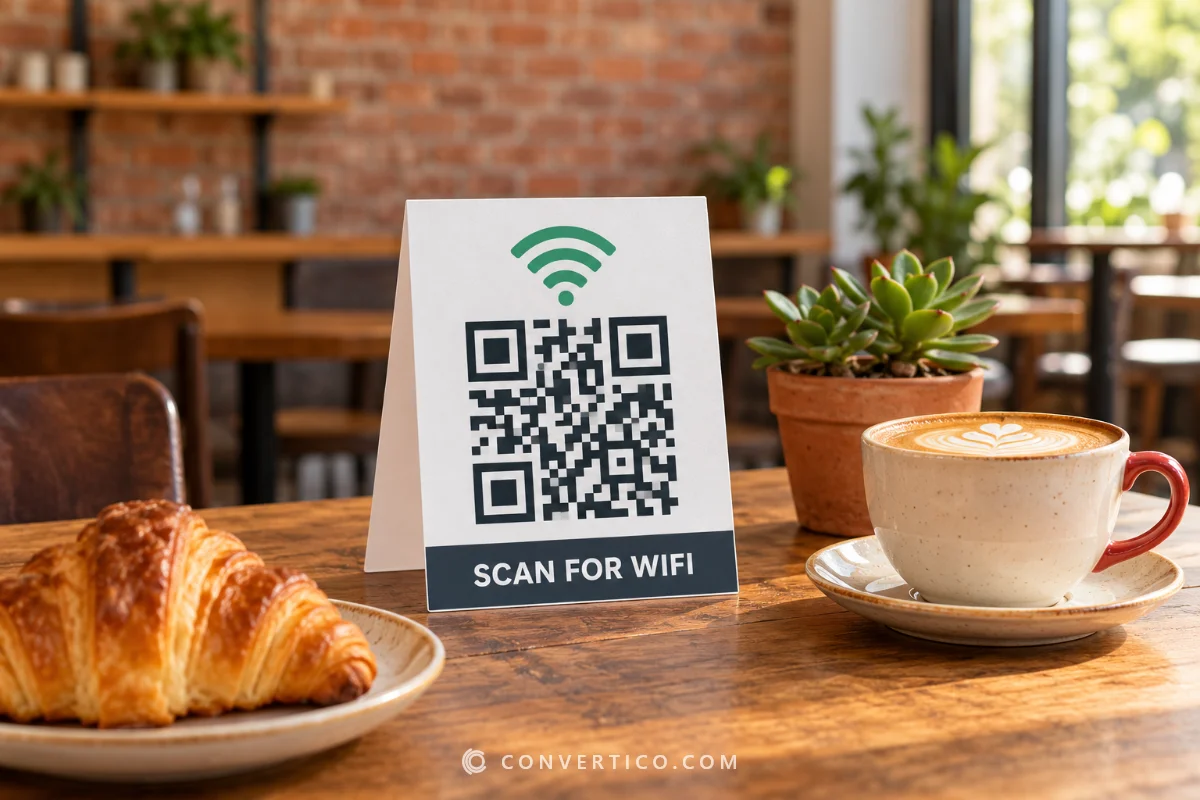

Make a QR code for your restaurant menu and print the table cards in one go.
Number them TABLE 1 to TABLE 30 - and give every table its own code if your ordering system needs to know where the order came from.
The code links to your menu page or PDF, so you can update the menu without reprinting. Guests also want the WiFi? Make a sign with the WiFi QR Code Generator.
Something went wrong. Please try again.
Still having trouble? Please contact us and we'll be happy to help!
Scanning opens the dialler with this number ready - include the country code.
Scanning offers to add it to the phone's calendar.
With the link switch on, every card gets its own code, so your ordering system knows which table scanned it. Leave it off for the same menu link on every card.
Need a logo first? Draw one with the Icon Maker or remove a background with the PNG Background Remover.
Every colour is written as CMYK ink percentages. Greys and black go on the black plate only, so the code prints razor-sharp with no colour fringes. Type the values from your brand guide, or keep Auto. A logo picture stays RGB.
One link or text per line - or a CSV with the columns content, name (file name) and label (frame or label text). Contact lists (first, last, phone, email...) become vCards and ssid, password lists become WiFi codes. Every code gets the current style and format. Pick PDF with the Labels page to print the whole list on Avery-style label sheets.
Your menu is a PDF? Upload it to your website or a cloud folder and paste that link - we never host files, so the link stays yours. Keep it light for phones: shrink it with Compress PDF, or turn photos of a printed menu into one file with Image to PDF.
Every card gets the table number in big print under the code.
With Add ?table=N to each link on, each card also gets its own code - yoursite.com/menu?table=7 - so ordering systems that read the table number know where the order came from. Leave it off and every card uses the same menu link.
| Card size | Per page | Good for |
|---|---|---|
| A6 (105 x 148 mm) | 4 per A4 | Table tents and holders |
| A5 (148 x 210 mm) | 1 per page | Counters and walls |
| 4 x 6 in | 2 per US Letter | Standard US photo holders |
| A4 / Letter | 1 per page | Windows and entrance signs |
Up to 200 cards per batch. Laminate them or use acrylic holders - glossy plastic can glare, so test one under your lights first.
A web page or a small PDF opens fast. A 20 MB PDF on a busy WiFi does not.
Change prices on the page and the printed codes keep working - no reprint needed.
A code about 4-6 cm wide reads easily from a seat. The A6 card gives about 6 cm.
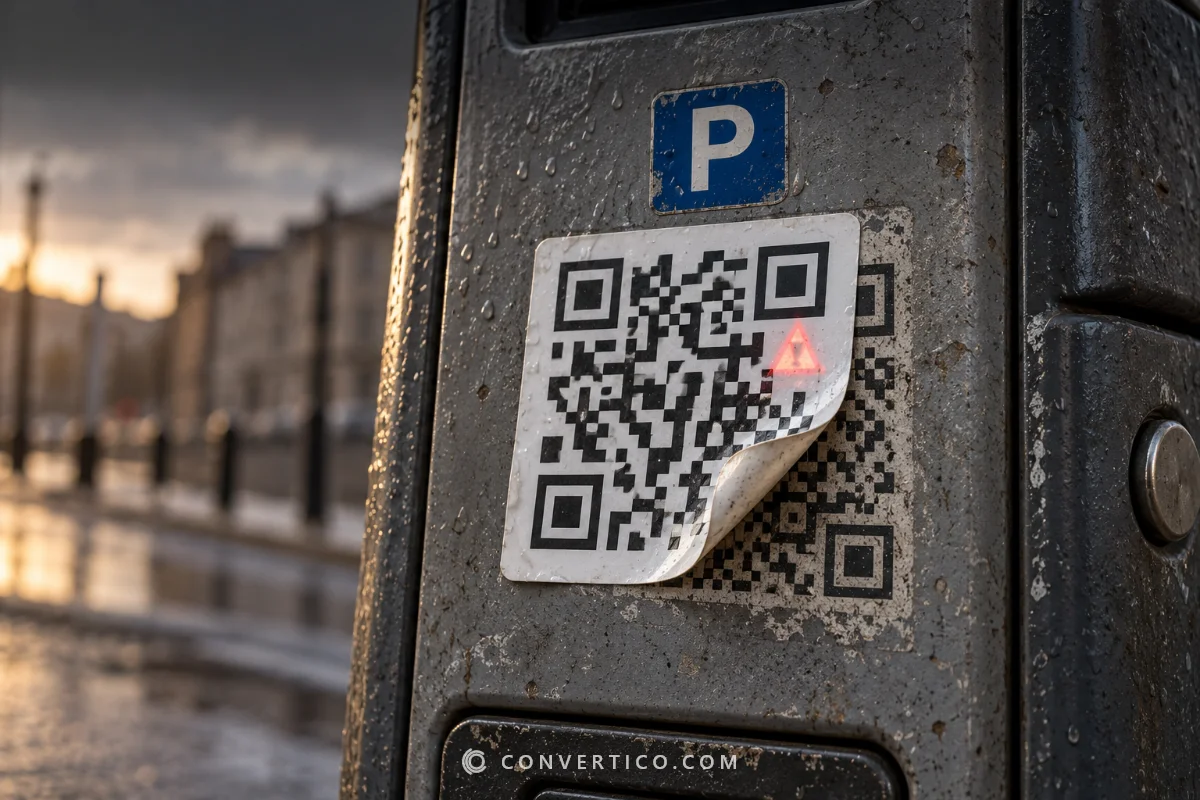
Check your cards now and then - scammers sometimes stick their own codes over real ones.
Ask happy guests for a review on the same card: make a code with the Google Review QR Code generator. Taking orders by chat? Add a WhatsApp QR code.
| Menu web page | PDF menu | |
|---|---|---|
| Opens on phones | Fast, fits the screen | Needs zooming, slower |
| Update prices | Edit the page | Upload a new PDF to the same link |
| Ordering and payment | Possible | No |
| Easiest to set up | Needs a website | Any cloud folder |
Either way, keep the link the same and you will never reprint the cards. Making the PDF from Word? Use Word to PDF.
Paste the link to your menu page or menu PDF, keep the table cards switched on, set the table numbers and download one PDF with all the cards. Each card shows the code and its table number.
Yes. Switch on Add ?table=N to each link and table 7 gets a code for yoursite.com/menu?table=7. Ordering systems that read the table number then know where the order came from. Without the switch, all cards share one code.
A QR code holds a link, not a file - so upload the PDF to your website, Google Drive or Dropbox (shared publicly) and paste that link. We do not host files, so the link and the menu stay under your control.
No, as long as the link stays the same. Update the page, or upload the new PDF with the same name or link, and the printed codes keep working.
About 4-6 cm wide on a table card, read from 30-50 cm away. The A6 card puts a code about 6 cm wide on it. Bigger signs by the door need 10 cm or more.
Up to 200 per batch, as one PDF (several cards per page with cut lines) or a ZIP of 300 dpi PNGs. For other numbered lists - rooms, seats, lockers - the Bulk QR Code Generator makes a code per row of a spreadsheet.
Free, with no sign-up and no watermark. The codes are static, so they never expire and have no scan limits.
Making your codes...
Drawn and scan-tested in your browser